Text on Path Generator
Place Text Along Any Path Online
Draw any freehand path — curves, waves, circles, spirals, or custom shapes — and watch your text follow it in real time. Export a transparent PNG ready for logos, social posts & more.
- Any freehand path shape
- Works on phone & desktop
- Transparent PNG export
What Is a Text on Path Generator?
A text on path generator is an online tool that places your text along a custom-drawn path instead of a straight line. Unlike simple curve or arc tools, a text-on-path tool lets you draw any shape — curves, waves, circles, spirals, zigzags, hearts, or completely freeform lines — and your text follows the exact path in real time. Designers, marketers, and content creators use text-on-path effects for logos, social media graphics, greeting cards, product mockups, and any design that needs typography with personality. With CurvedTextMaker you can draw freehand paths, choose from 12 preset shapes, customize fonts, colors, and effects, then export a high-resolution transparent PNG — all in your browser, completely free.
How to Put Text on a Path
Place text along any path in under a minute. Draw, customize, and export — no design skills required.
Draw Your Path
Open the editor and click-drag on the canvas to draw any path — a curve, wave, circle, spiral, heart, or completely freeform shape. Or pick from 12 preset shapes for instant results.
Customize Font & Style
Choose from 15+ fonts, adjust text size and letter spacing, pick any color or gradient effect, and add shadow. Change the background or keep it transparent for maximum versatility.
Export Transparent PNG
Click "Export Text" to download a high-resolution PNG with a transparent background. Drop it onto any image, video, poster, or presentation — it blends in perfectly every time.
The Best Free Text on Path Generator
A versatile text-on-path tool that works right in your browser — no downloads, no accounts, no limits.
12 Preset Shapes + Freehand Drawing
Choose from circle, heart, star, wave, arc, spiral, diamond, semicircle, line, triangle, infinity, and zigzag presets — or draw any completely freehand path. Your text follows whatever path you create, with pixel-perfect precision.
16 Text Color Effects
Go beyond plain colors with 16 stunning text effects: Rainbow, Neon, Gold, Chrome, 3D, Retro, Glitch, Holographic, Fire, Ice, Candy, Sunset, Ocean, Forest, Galaxy, and more. Animated effects export as GIFs.
Transparent PNG — Drag & Drop Ready
Every exported image has a transparent background by default. Overlay your path text onto photos, videos, logos, or any creative project without extra editing. What you see is what you get.
Text on a Path: Freehand Curved Text
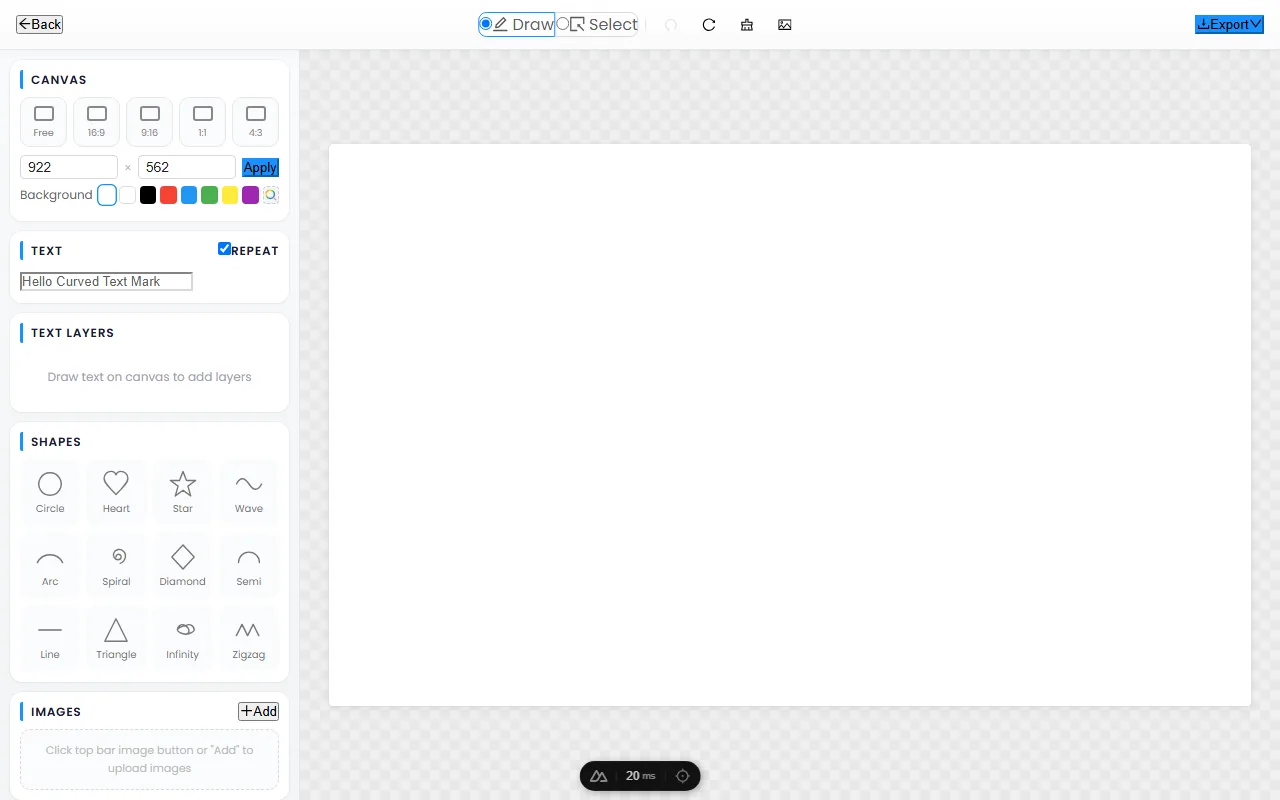
Text on a path is the most flexible curved-text mode there is, because every preset shape — circle, arc, wave, spiral, heart — is just a pre-drawn path underneath. Draw your own path and the text follows it exactly. This guide explains why freehand text-on-path is so powerful, how to draw smooth curves, how to build signature-style logos, and when to reach for freehand over a preset.
Why text-on-path is the most flexible mode
A circle, an arc, a wave, and a spiral are all paths — the only difference is who drew them. The moment you can draw your own path, you are no longer limited to those presets. Text-on-path lets the type follow any curve you can imagine: a gentle S-curve for an elegant logotype, a custom silhouette that mirrors a product outline, an asymmetric flow that no preset could produce. For designers who want a one-of-a-kind result rather than a recognizable template, freehand text-on-path is the mode that removes the ceiling. It is also the best choice when the curve needs to match something specific in the composition — the slope of a hill in a photo, the edge of a shape, or a hand-drawn gesture.
Drawing smooth paths
The quality of text-on-path lives or dies on the smoothness of the path. Jagged or jagged-cornered paths produce kinked, uneven type, while smooth paths produce type that looks professionally set. A few habits make the difference:
- Draw with curves, not corners. Click and drag to create flowing curves rather than stitching together many short straight clicks. Fewer, smoother points give cleaner type.
- Avoid sharp angles. Text kinks visibly at hard corners. If you need a turn, make it a gentle curve so the letters ease through it.
- Plan the path before the text. Get the curve reading well with no text on it, then add your words. A path that looks good empty will look good filled.
Building signature-style logos
Freehand text-on-path is one of the fastest routes to a bespoke logotype without design software. Draw a gentle arc or a soft S-curve, set your brand name along it, choose a confident weight, and export a transparent PNG — the result is a custom wordmark with movement and personality that a straight setting cannot match. Because the curve is yours alone, the logo avoids the "generated" look that comes from using the same preset everyone else uses. Keep the curve subtle for a timeless feel, or push it further for a brand that wants to feel energetic and modern.
When to use freehand vs a preset shape
Both modes have their place, and choosing well saves time:
- Reach for a preset when you want symmetry, speed, and a recognizable form — a perfect badge, a standard banner arch, a clean heart. Presets are ideal when the shape itself carries meaning.
- Reach for freehand when you need a curve no preset offers: an asymmetric layout, text that follows a specific silhouette, or a signature-style logo that should not look like anyone else’s.
A good rule of thumb: if the shape matters more than the uniqueness, use a preset; if the uniqueness matters more than the shape, draw it freehand.
Frequently Asked Questions
Open CurvedTextMaker, type your text, then click and drag on the canvas to draw the path you want your text to follow. Your text follows the path instantly. Customize the font, size, color, and spacing, then export a transparent PNG.
Yes — CurvedTextMaker is 100% free with no hidden costs, no sign-up, and no watermarks. All features are available at no charge, including 12 preset shapes, 16 color effects, 15+ fonts, and high-resolution transparent PNG exports.
- Circle — text wraps around a full ring
- Heart — text follows a heart outline
- Star — text outlines a star shape
- Wave — text flows along wavy lines
- Arc — text bends along a curved segment
- Spiral — text winds inward or outward
- Diamond, triangle, infinity, zigzag, and more
- Freehand — draw any custom shape you imagine
Absolutely. Text-on-path is one of the most popular logo design techniques. Create text that curves around a central icon, follows a wave, wraps in a circle, or traces any custom shape. Export as a transparent PNG and use it anywhere.
Yes — CurvedTextMaker is fully responsive and works seamlessly on smartphones and tablets. The touch-optimized interface lets you draw paths with your finger just as easily as with a mouse on a desktop.